GitHub Copilot Fusion Scores 71.2% on Terminal-Bench
71.2% resolution rate is the number to read first in GitHub’s November 17, 2026 update to GitHub Copilot Fusion. GitHub says Copilot Fusion Max reached that score on the public Terminal-Bench 4.1 leaderboard, which measures how well agents complete hard, realistic tasks in a terminal, and the release also moves Fusion onto more GitHub Copilot surfaces.
| Question | Answer |
|---|---|
| Who must act | No one must act; the release adds Fusion surfaces, models, and benchmark results. |
| What changes for them | Users can select Copilot Fusion on the latest versions of github.com, Visual Studio, and GitHub Mobile beta apps. |
| Who can skip | Users waiting for production GitHub Mobile support can wait, because GitHub says it is coming shortly. |
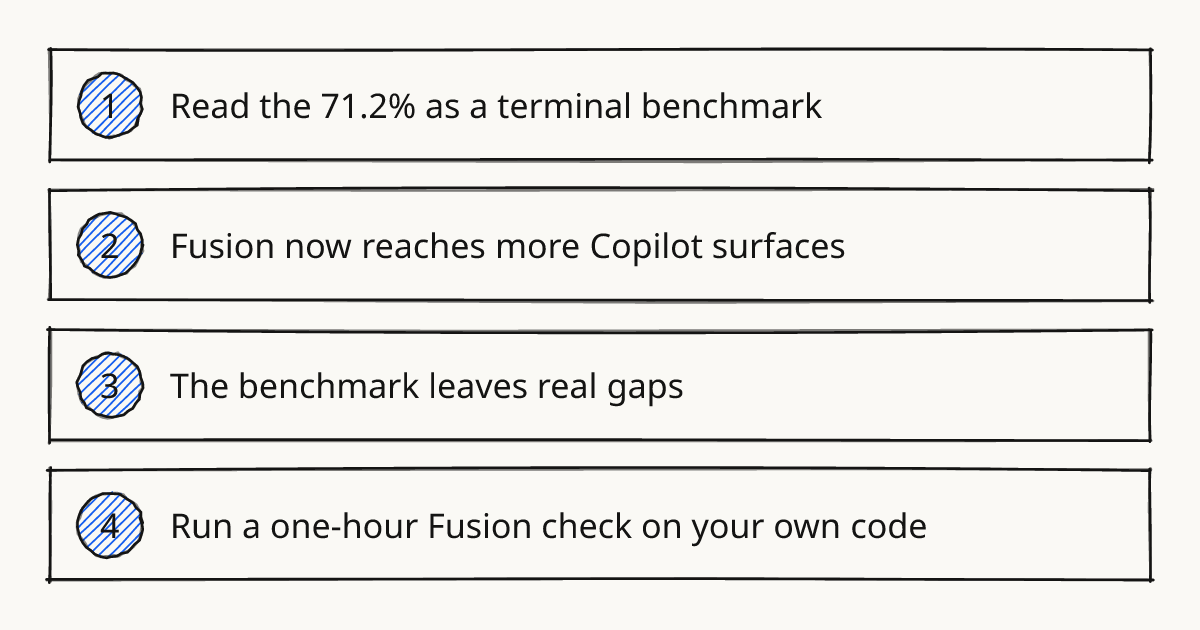
Read the 71.2% as a terminal benchmark
Terminal-Bench 4.1 is the useful part of this release because it gives GitHub Copilot users a public comparison point. GitHub says the leaderboard is hosted by Stanford, Harbor, and the Laude Institute, with each agent evaluated on the same tasks under the same rules.
The headline claim is specific. Copilot Fusion Max scored 71.2%, which GitHub says is 5.4 percentage points ahead of Opus 5.5 and Fable 5.2 on that leaderboard. GitHub also reports lower cost on the same comparison: 88% less than Fable 5.2 and 57% less than Opus 5.5.
That matters because model pickers are usually hard to judge from release notes alone. A public benchmark does not settle every engineering question, but it gives a concrete starting point for comparing agent behavior beyond screenshots and launch copy.
Rolling this out in your team?
We train engineering teams on their own codebase in two days. GitHub Copilot setup, shared rules and review included.
Fusion now reaches more Copilot surfaces
The other change is availability. GitHub says Copilot Fusion can now be selected on the latest versions of github.com, Visual Studio, and GitHub Mobile beta apps for iOS and Android.
The workflow is intentionally simple. Select Copilot Fusion in the model picker, set the effort level, and Fusion chooses and coordinates models for the task. GitHub positions Fusion as the layer that decides which model should do which part of the work.
The model roster changed too. The changelog adds Claude Sonnet 5.5 to Copilot Fusion Max, GPT-6.1 Terra to Copilot Fusion High, and MAI-Code-2 to Copilot Fusion Standard.
The benchmark leaves real gaps
Terminal-Bench is about terminal tasks. It does not prove how Fusion will behave in code review or a repo with heavy internal conventions.
The cost claim is also benchmark-bound. A cheaper resolution on Terminal-Bench can still become expensive if a real task needs repeated context gathering or flaky test reruns.
That is why the release should change how GitHub Copilot users measure, rather than only which model they pick. The public number is a baseline. The local question is whether Fusion improves the tasks that actually slow your repository down.
A similar lesson shows up in agent tooling outside GitHub Copilot. Small changes to MCP and sandbox behavior can alter what a local evaluation really measures, as in Codex CLI 0.170.0 Fixes MCP and Sandbox.
Run a one-hour Fusion check on your own code
Use the release as a prompt to run a tiny internal eval. Pick one closed task from your own repository, ask Fusion to solve it from the same starting point, and compare its result with the merged change.
Keep the task narrow. A good candidate is a bug fix or small feature where the tests and final diff are already known. Avoid a task that depends on private Slack history or unwritten product judgment, because that turns the eval into a context retrieval test.
This belongs in the Review step of our methodology: judge the agent’s output against a known standard before giving it larger work. The point is to find out where Fusion helps and where a human still needs to steer.
A mini-eval plan you can copy
| Eval move | What to do | What to record |
|---|---|---|
| Choose the task | Use one already-merged issue or pull request with a clear expected result. | Link to the original issue or pull request in your private notes. |
| Run Fusion | Select Copilot Fusion in the model picker on a supported surface and set the effort level you would actually use. | Note the surface, effort level, and whether the first answer produced a usable patch. |
| Score the result | Compare the produced change with the merged change and run the same relevant tests if available. | Mark resolved, partially resolved, or unresolved, plus one sentence on the reason. |
| Review the cost of supervision | Count the human turns needed to get to a reviewable result. | Record whether the work saved time after review, test fixes, and cleanup. |
The scoring labels can stay rough. For this kind of quick check, consistency matters more than precision. Use the same task shape and the same scoring rule the next time GitHub changes the model tier or your workflow changes.
Further reading
- GitHub Copilot documentation
- GitHub Copilot changelog: GitHub Copilot Fusion updates: more availability and benchmarks
- GitHub Copilot changelog
Try one measured task next
Pick one known repository task and run the mini-eval before changing your default model choice. For guided practice on this kind of GitHub Copilot training, use hands-on training to rehearse the evaluation loop with real development work.
Train your team on GitHub Copilot
Two days on your team's own repository, onsite or remote, with a written proposal before you commit.
Book a callPrefer to measure first? Take the free team check.